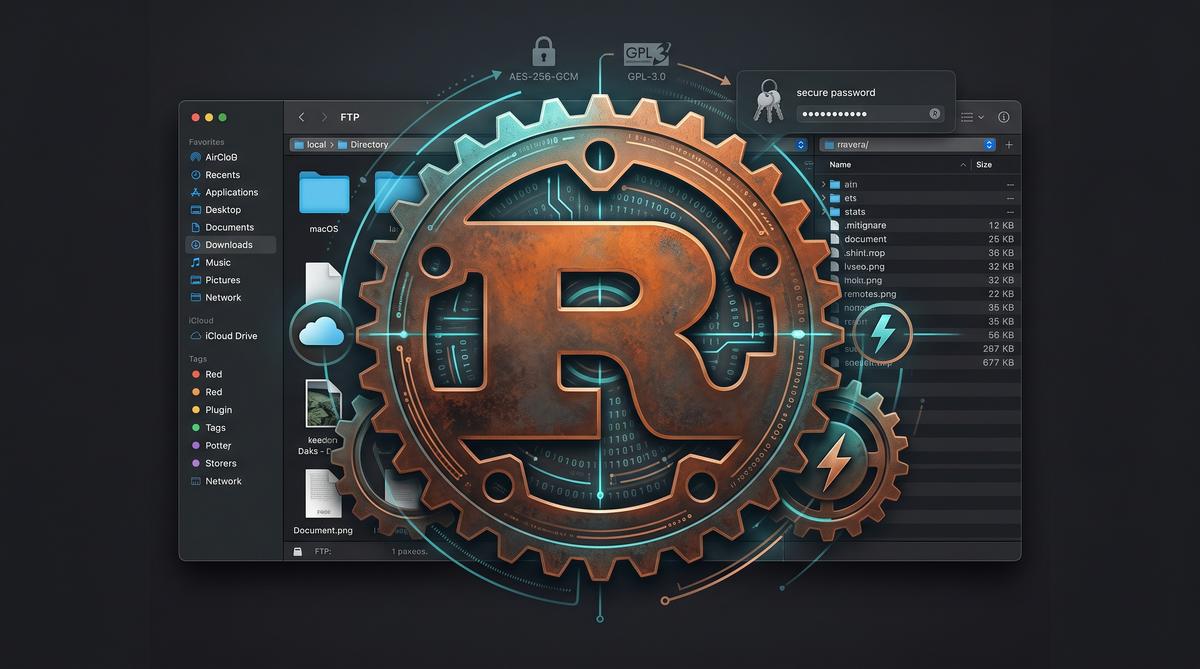
Most macOS FTP clients fall into two camps: heavy Electron-based apps that consume hundreds of megabytes of RAM, or expensive commercial suites bundled with features you will never use. gmacFTP takes a different approach.
It is a free, open-source dual-pane FTP/FTPS/SFTP client built entirely in Rust, with a GPU-accelerated UI powered by Slint. No Electron. No Tauri. No webview. Just a native macOS application that moves your files — quickly and safely.
What gmacFTP Does
gmacFTP provides the classic dual-pane file transfer workflow that FTP users have relied on for decades, but rebuilt from scratch for Apple Silicon:
- FTP, explicit FTPS, and SFTP — full protocol support via an async Tokio-based transfer engine
- Dual independent panes — including server-to-server transfers
- Drag-and-drop file operations with a live transfer queue
- macOS Keychain integration — credentials stored securely, not in plaintext config files
- Encrypted vault — optional AES-256-GCM encrypted synchronization of saved servers between Macs
- FileZilla Site Manager import — migrate your existing server definitions in one click
- English and Polish interface
- No accounts, no telemetry, no advertising
The application is signed with an Apple Developer ID and notarized by Apple, so it opens cleanly without Gatekeeper warnings.
Why Rust?
The choice of Rust is not a marketing gimmick. It directly affects the user experience:
- Binary size: the entire app — transfer engine, UI, protocol implementations — is about 7.5 MB. For comparison, Cyberduck is roughly 90 MB and Transmit is about 75 MB.
- Memory footprint: no browser engine means no V8, no Chromium, no web renderer eating RAM in the background.
- Startup time: the app opens instantly because there is no JavaScript to parse, no DOM to build.
- Security: Rust’s memory safety guarantees eliminate entire classes of vulnerabilities that C-based FTP clients have historically struggled with.
The UI runs on Slint with the FemtoVG renderer on top of wgpu/Metal. This means the interface is rendered directly on the GPU — no CPU-bound canvas drawing, no web-based layout engine.
Who Is It For?
gmacFTP is designed for Mac users who regularly work with:
- Websites — uploading files to shared hosting or VPS environments
- Hosting accounts — managing files on cPanel, Plesk, or custom hosting setups
- NAS devices — transferring files to and from Synology, QNAP, or DIY NAS builds
- Remote servers — administering Linux/BSD servers via SFTP
- Content pipelines — moving media files between storage locations
If you currently use FileZilla, Cyberduck, or Transmit and want something lighter and more private, gmacFTP is worth trying.
Download and Install
gmacFTP is free and open source under GPL-3.0.
GitHub: https://github.com/GMAC-pl/gmacFTP
Direct download: gmacFTP-0.1.1.dmg
Requires macOS 11+ (Big Sur) on Apple Silicon (M-series).
Homebrew
A Homebrew Cask is pending review. Once merged, installation will be as simple as:
brew install --cask gmacftpCurrent Status
gmacFTP is in active development (currently v0.1.1). It is a development preview — stable enough for everyday FTP/SFTP work, but expect occasional rough edges. Bug reports and feature requests are welcome on the GitHub Issues page.
The roadmap includes bookmark synchronization, a built-in text editor for remote files, and support for additional protocols (WebDAV, Amazon S3).
This article is about gmacFTP, an open-source project I am developing.