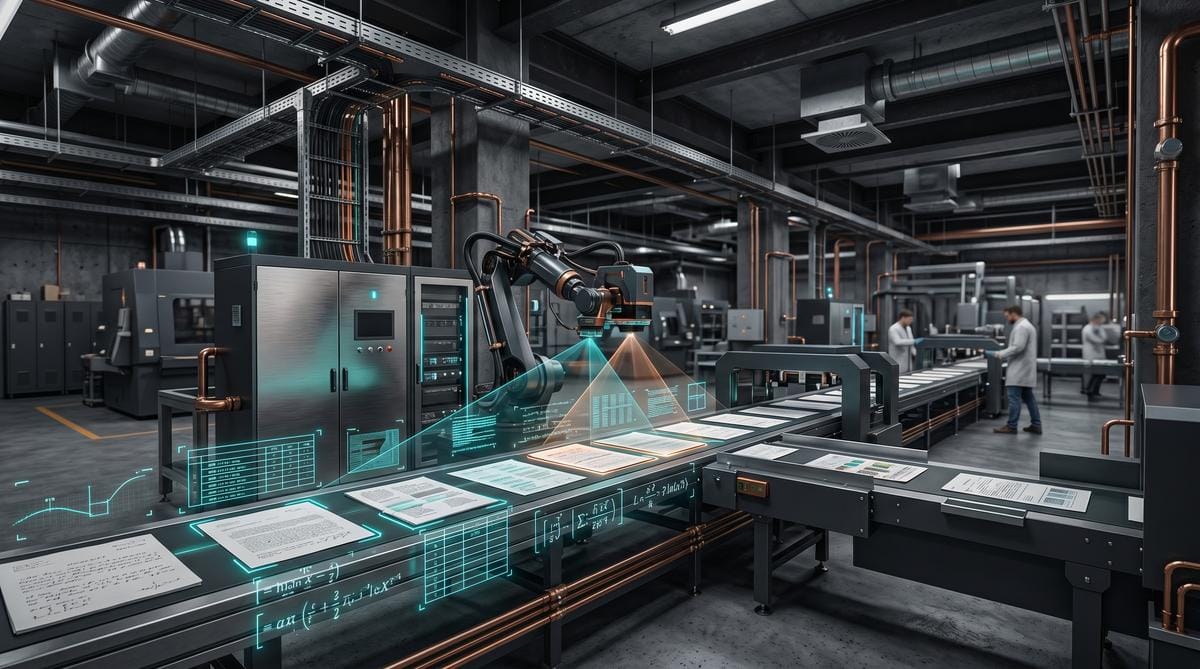
Datalab, the company known for the Marker project, has released Surya OCR — an open-source tool supporting over 90 languages. The project offers page layout analysis, table recognition, and conversion of mathematical formulas to LaTeX format. The source code is available under the GPL-3.0 license, allowing free use in commercial projects under appropriate conditions.
TL;DR: Surya OCR is a free open-source tool from Datalab that offers multilingual text recognition, page layout analysis, table detection, and LaTeX conversion. The project supports over 90 languages and is available under the GPL-3.0 license on GitHub. It’s an alternative to commercial solutions like Tesseract, offering a modular architecture based on deep learning models.
How does multilingual OCR work in Surya?
Surya OCR uses a transformer architecture to recognize text in over 90 languages, including Latin, Cyrillic, Arabic, and Asian scripts. According to the documentation on GitHub, the model was trained on datasets covering diverse typefaces, historical documents, and low-quality scans. This solution excels in tasks requiring high precision. Unlike Tesseract, Surya generates results with a confidence level assigned to each recognized word.
Surya uses a text line detection model that first locates areas to process, then runs the actual OCR module. Thanks to this approach, the system handles documents with complex multi-column layouts where traditional algorithms often fail. The model returns bounding box coordinates along with the recognized text, facilitating further programmatic processing.
Moreover, the tool can handle handwritten text, though accuracy is lower in such cases. It’s worth testing this solution for digitizing archives, where varying scan quality is the main challenge.
What is page layout analysis in this tool?
Page layout analysis is a module that classifies document regions into categories: text, heading, image, table, caption, footer, page number. According to information in the repository, the model achieves high classification accuracy on standard test sets like PublayNet. The output is a JSON structure containing the coordinates of each element along with its assigned label.
This module is useful when processing scientific papers, invoices, or contracts, where correct section identification is essential for further automation. For example, the system can distinguish a heading from a paragraph, preserving the text hierarchy during conversion to structural formats.
Additionally, layout analysis operates independently from the OCR module, meaning it can be used solely for document classification without text recognition. This approach is more computationally efficient. I recommend testing this module separately if you need rapid categorization of document collections.
How does Surya handle table recognition?
Table recognition is one of the more difficult tasks in document processing. Surya offers a dedicated module that identifies cells, rows, and columns, then returns their coordinates in a structured format.
The module’s output can be converted to CSV, HTML, or pandas DataFrame format, facilitating integration with analytical tools. Below is a summary of the main output formats:
- Bounding box coordinates for each cell in pixels
- JSON structure with merged cell information
- HTML export preserving the visual layout
- Conversion to pandas DataFrame for data analysis
It’s important to note, however, that detection quality depends on scan clarity. With low-resolution documents, accuracy drops, especially with thin cell borders.
Does the tool support mathematical formula conversion to LaTeX?
Yes, Surya OCR includes a module for recognizing mathematical formulas and converting them to LaTeX format. This feature is particularly useful for digitizing scientific publications, textbooks, or theses. The model recognizes fractions, integrals, sums, matrices, and Greek letters, with the resulting LaTeX code ready for rendering in editors like Overleaf.
According to the repository, the LaTeX module operates on a similar transformer architecture to the main OCR, but was fine-tuned on datasets containing annotated mathematical formulas. This solution is one of the few available in the open-source ecosystem, alongside projects like Pix2Tex.
However, with complex expressions featuring multi-level fractions or nested parentheses, conversion accuracy can be lower. It’s worth manually verifying results for documents intended for publication.
What are the hardware requirements and limitations?
Surya OCR requires a Python 3.8+ environment and the PyTorch library. To run the full pipeline, a GPU with at least 6 GB VRAM is recommended, though basic OCR functions also work on CPU — significantly slower. Installation proceeds through the standard pip package manager, and all models are downloaded automatically on first run.
The tool’s main limitations include:
- Slow performance on CPU with large documents
- GPU required for efficient batch processing
- Limited accuracy with handwritten text
- No built-in graphical interface — API and CLI only
- GPL-3.0 license requiring compatibility for commercial use
| Component | Requirement | Recommended |
|---|---|---|
| Python | 3.8+ | 3.10+ |
| RAM | 8 GB | 16+ GB |
| GPU VRAM | 4 GB | 8+ GB |
| PyTorch | 1.13+ | 2.0+ |
Detailed installation instructions and usage examples are available in the official Surya OCR repository on GitHub. The project is actively developed, with regular model updates.
For more on document processing and open-source tools, see the article about Microsoft releasing the earliest DOS source code as open source. The topic of text data analysis was also covered in the publication Pretext: TypeScript library for multiline text measurement and layout.
How to install and run Surya OCR?
Installing Surya OCR requires a Python environment version 3.8 or newer and the PyTorch library installed. The entire process relies on the standard pip package manager, and all model weights are downloaded automatically during the first script execution. Basic setup takes a few minutes on a Linux or macOS machine.
According to the instructions in the official Surya OCR repository on GitHub, installation comes down to running a single command in the terminal:
pip install surya-ocrThe tool has no built-in graphical interface, so all interaction occurs through the API or command line (CLI). This approach provides great flexibility when building custom document processing pipelines.
Additionally, a GPU is needed for the full layout analysis module to run smoothly. CPU processing is possible, but execution time increases significantly with multi-page PDF files. Complete technical installation documentation can be found directly on VikParuchuri’s project page on GitHub.
How does Surya OCR compare to Tesseract?
Tesseract is the most popular open-source OCR engine, but Surya OCR offers a more modern architecture based on transformer models. This makes it easier to build systems with increased reliability.
From tests published by the creator in the repository, Surya achieves higher accuracy with multilingual documents and low-quality scans. Tesseract can handle simple text layouts but struggles with analyzing complex multi-column pages. Surya, on the other hand, offers a dedicated layout analysis module that first classifies regions and only then runs character recognition.
Moreover, Tesseract lacks a built-in module for converting mathematical formulas to LaTeX format. Surya fills this gap with a dedicated model fine-tuned on annotated mathematical expressions. Comparing both tools shows the advantage of the newer architecture for complex tasks. For more on open-source tools, read the article about Microsoft releasing the earliest DOS source code as open source.
What are the business use cases for Surya OCR?
Surya OCR excels at digitizing large document archives, automating invoice processing, and converting scientific publications to text formats. The table recognition module enables extraction of financial data directly to pandas DataFrame format, accelerating data analysis. This is a concrete application for accounting departments.
Additionally, the tool is used when building RAG (Retrieval-Augmented Generation) systems, where correct structuring of PDF documents is crucial for the quality of language model responses. The layout analysis module allows separating main text from headings, footnotes, and footers, improving semantic search precision.
For digitizing educational materials, the LaTeX module enables automatic conversion of formulas from textbooks into editable code. This saves time when creating teaching materials. Similar to the article about Pencil.dev — an AI design tool that changes designers’ workflow, the right tools can accelerate tedious processes.
The main application areas include:
- Digitizing historical archives with support for over 90 languages
- Automated data extraction from invoices and accounting documents
- Converting scientific publications with mathematical formulas to LaTeX
- Building RAG pipelines with document structure analysis
- Processing scanned tables to CSV, HTML, and pandas DataFrame formats
- Categorizing document collections using layout analysis
- Text recognition from multi-column documents
- Data preprocessing for analytical systems
What are the costs and license of the project?
The Surya OCR project is available under the GPL-3.0 license, meaning the source code can be modified and redistributed provided the same license is maintained. Commercial users must consider the requirement to share their own modifications, which may be a limitation for companies building proprietary solutions. The business model is based on free software.
According to information on the project page, Datalab also offers a paid API for users who don’t want to host the models on their own infrastructure. The cost of using the API depends on the volume of processed pages. This solution is aimed at companies without their own GPU.
Therefore, for most developers and researchers, the open-source version is fully sufficient. However, it’s important to remember the hardware requirements — efficient processing requires a GPU with at least 6 GB VRAM. The topic of business models around open-source software was discussed in the article about whether hardware attestation is a tool for building monopolies.
Frequently Asked Questions
How many languages does Surya OCR support?
Surya OCR supports over 90 languages, including languages with Latin, Cyrillic, Arabic, and Asian scripts, according to the documentation in the official GitHub repository. The full list of languages is available in the project’s configuration file.
Does Surya OCR work without a graphics card?
Yes, the tool works on CPU, but processing time is significantly longer. According to the requirements in the Surya repository, a GPU with at least 6 GB VRAM is recommended for efficient batch processing.
What is the difference between Surya and Datalab’s Marker?
Marker is a PDF-to-Markdown conversion tool that uses Surya OCR models as a backend for text recognition and page layout analysis. Surya is a lower-level library providing direct access to OCR and layout detection modules.
What output formats does the table module support?
The table recognition module returns results as bounding box coordinates in JSON format, and also enables HTML export preserving the visual layout and conversion to pandas DataFrame. Detailed code examples are available in the GitHub documentation.
Summary
Surya OCR is a well-designed open-source tool that fills the gap between simple OCR engines and commercial document analysis solutions. The modular architecture allows individual features to be used independently — from layout detection alone to the full pipeline with table recognition and mathematical formulas.
Key takeaways from the project analysis:
- Support for over 90 languages with a transformer architecture ensures high accuracy with complex documents
- Dedicated modules for layout analysis, tables, and LaTeX conversion offer features unavailable in older tools
- The GPL-3.0 license enables free use and modification of code in research projects
- Hardware requirements (GPU 6+ GB VRAM) may be a barrier for smaller teams
- The lack of a graphical interface means the tool is primarily aimed at developers
If you’re interested in open-source software, check out the article about the SANA-WM, a 2.6-billion-parameter open-source world model for 720p video generation.