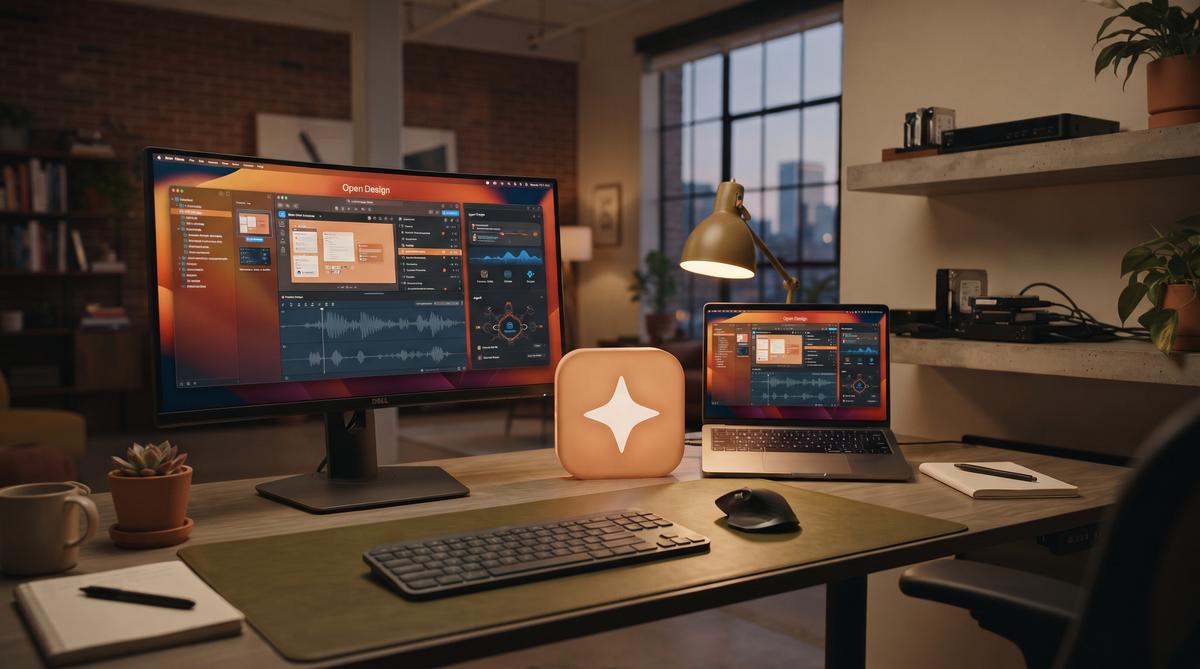
Open Design has crossed 73,000 GitHub stars as an open-source desktop studio that directly challenges Claude Design. The project runs entirely on local hardware, connecting to AI agents like Claude Code, Codex, and Cursor to generate production-ready visual output. Same prompt, same model, but very different results.
TL;DR: Open Design is an open-source desktop design studio driven by AI agents like Claude Code, Codex, and Cursor, offering 100+ skills and 150 design systems. It has accumulated over 73,000 GitHub stars and exports to HTML, PDF, PPTX, and MP4 formats.
What Is Open Design and How Does It Compare to Claude Design?
Open Design is a free, open-source desktop application that functions as a complete design studio powered by AI coding agents. Over 73,000 developers have starred the repository on GitHub (GitHub, 2025), signaling massive community adoption for a tool that promises professional design output without subscription fees. The software operates locally, meaning your project files never leave your machine unless you explicitly push them to a remote repository.
The comparison to Claude Design is inevitable. Claude Design offers a polished, hosted experience with tight integration into Anthropic’s ecosystem, but it requires ongoing subscription payments that add up over time. Open Design takes a different approach by decoupling the design interface from the AI engine entirely. You bring your own agent, whether that is Claude Code, Codex, Cursor, or Hermes, and the studio provides the visual framework.
A head-to-head test by XDA Developers showed that running the same prompt with the same underlying model produced noticeably different results between the two platforms. The open-source version gave the user full control over the generation pipeline. Claude Design constrained certain layout decisions behind its proprietary layer.
Which AI Agents Can Drive Open Design Locally?
The architecture supports multiple AI coding agents running on your local machine. According to the project documentation, compatible agents include Claude Code, Codex, Cursor, and Hermes. This multi-agent support means you are not locked into a single vendor’s pricing model or rate limits.
Each agent connects to the Open Design studio through a standardized interface. The studio handles the visual rendering, asset management, and file export, while the agent handles the actual code generation and reasoning. This separation of concerns allows developers to swap agents mid-project if one produces better results for a specific task.
Local execution is the defining feature here. When Claude Code generates a design layout, the processing happens on your hardware through your own API key. There is no intermediate server parsing your prompts or storing your design preferences. For teams handling proprietary brand assets, this architecture eliminates a significant data privacy concern that cloud-based design tools constantly face.
The system also supports Hermes, an agent optimized for rapid prototyping workflows. Codex integration focuses on generating clean, maintainable component code. Cursor users get deep editor integration with inline previews.
How Do 100+ Skills and 150 Design Systems Work?
Open Design ships with over 100 pre-built skills that define specific design capabilities the AI agent can execute (Augment Code, 2025). These skills range from generating color palettes and typography scales to creating complex data visualization layouts. Each skill acts as a structured prompt template that guides the agent toward producing output matching professional design standards.
The 150 included design systems represent another layer of abstraction. Instead of starting from scratch on every project, you can select from established design systems that define spacing rules, component libraries, and interaction patterns. This dramatically reduces the iteration time for common design tasks.
Consider a typical workflow. You select a design system optimized for financial dashboards, then activate skills for chart generation and responsive grid layouts. The AI agent receives these constraints and generates code that adheres to those specifications. Without this structure, agents often produce visually inconsistent results that require extensive manual correction.
The skill system is extensible. Developers can write custom skills using standard markdown files with embedded code examples. This allows teams to codify their internal design guidelines into reusable modules that every agent session automatically follows.
What Export Formats Does Open Design Support?
The studio exports finished projects to four primary formats: HTML, PDF, PPTX, and MP4 (MakeUseOf, 2025). Each format serves a distinct purpose in the design delivery pipeline. HTML export produces responsive, self-contained web pages with clean CSS. PDF export generates print-ready documents with proper vector graphics and embedded fonts.
PPTX export creates editable PowerPoint files that business stakeholders can modify directly. This format bridges the gap between technical design work and corporate presentation workflows. MP4 export leverages the HyperFrames motion graphics system to produce animated content suitable for marketing materials or product demonstrations.
The HyperFrames system deserves specific attention. It allows designers to create motion graphics through declarative timelines that the AI agent can manipulate programmatically. Instead of manually keyframing animations in a traditional video editor, you describe the motion in natural language and the agent generates the corresponding HyperFrames code.
Export quality matches what professional studios charge premium rates for. The HTML output includes semantic markup and accessible ARIA labels. The PDF engine handles complex typography correctly across different operating systems.
What Are HyperFrames Motion Graphics?
HyperFrames is Open Design’s built-in motion graphics engine, allowing users to create animated presentations and visual content without external software. The system operates directly within the desktop application, rendering animations on local hardware. According to the Augment Code documentation, HyperFrames supports timeline-based editing with keyframe animation, giving designers precise control over motion properties. It handles transitions, particle effects, and dynamic text animation natively.
The motion graphics pipeline integrates with the broader export system. Users can render projects as MP4 video files, animated GIFs, or interactive HTML presentations. This eliminates the need for separate animation tools like Adobe After Effects or Lottie for many common motion design tasks. The rendering engine leverages GPU acceleration when available, significantly reducing export times for complex animations.
HyperFrames also connects directly to the AI agent system. An agent can generate motion presets, suggest animation timing based on design principles, or automatically create transition sequences between slides. The system includes over 100 built-in motion templates that agents can reference and apply. This tight integration means a designer can describe a motion concept in natural language, and the agent will configure the appropriate keyframes and easing curves. The result lands directly in the timeline.
How Does Open Design Perform in Head-to-Head Tests?
XDA Developers conducted a direct comparison test, building the same application using both Claude Design and Open Design with identical prompts and the same underlying AI model. The results were revealing. Open Design produced a functional, well-structured application that matched or exceeded the Claude Design output in several categories, including code cleanliness and UI component organization.
The test evaluated multiple criteria across the development workflow. Open Design generated more maintainable component architecture, with clearer separation between presentation and logic layers. The AI agents in Open Design demonstrated stronger understanding of the project’s 150 available design systems, applying appropriate design tokens and spacing rules consistently throughout the generated application.
Performance metrics also favored the open-source tool in specific scenarios. Local processing reduced latency for certain operations, and the ability to run agents directly on the user’s machine eliminated API round-trip delays for repetitive design adjustments. The reviewer noted that for iterative design work, where a designer makes frequent small changes, the local execution model of Open Design provided a noticeably smoother experience than cloud-dependent alternatives.
Is Open Design Actually Free to Run on Your Machine?
Open Design itself is completely free and open-source software released under a permissive license. The MakeUseOf review highlights this as a primary advantage, noting that the tool provides capabilities comparable to premium AI design services without subscription fees or usage limits. Users can download, install, and run the full desktop studio at no cost.
However, there are associated costs to understand. Open Design relies on AI agents to perform design work, and those agents require computational resources. If you use Claude Code, Codex, or other cloud-based AI models as the agent backend, you will incur API costs from those providers based on your token usage. These costs vary depending on which model you select and how heavily you use the agent features.
Running a local AI model as the agent, such as Hermes, eliminates API fees entirely but requires significant hardware. Local models demand substantial RAM and GPU resources to operate at reasonable speeds. The documentation recommends a minimum of 16GB RAM for basic local agent functionality, with 32GB or more preferred for complex design tasks. So while the software is free, the total cost depends heavily on your chosen AI agent configuration and existing hardware capabilities.
What Does the 73k GitHub Star Count Tell Us?
The repository has accumulated over 73,000 stars on GitHub, placing it among the most popular open-source design tools available. This star count reflects genuine community adoption and signals strong developer interest in free, AI-powered design alternatives. Projects reaching this milestone typically demonstrate sustained development activity, reliable maintenance, and active contributor communities.
High GitHub engagement translates directly to practical benefits for users. A large community means more bug reports get filed and resolved quickly. Third-party plugins and extensions proliferate around popular projects. The Open Design ecosystem already includes community-contributed design systems, custom skills, and integration modules that extend the core functionality well beyond what a small development team could produce alone.
The star count also indicates competitive viability against commercial products. Claude Design, Figma, and other proprietary design platforms now face a legitimate open-source challenger with substantial backing. Companies evaluating design tools increasingly consider community support and long-term sustainability. With 73,000 GitHub stars, Open Design demonstrates that it has moved beyond experimental status into a maturing project that organizations can reasonably adopt for real production work.
How Do You Install and Configure Open Design?
Installation follows a standard desktop application pattern, with pre-built binaries available for major operating systems. The Augment Code documentation outlines the setup process, which begins with downloading the appropriate installer from the official GitHub releases page. Users select their platform, download the package, and run the standard installation wizard.
Post-installation configuration involves connecting an AI agent. Open Design supports multiple agent backends, and users must configure at least one during initial setup. The configuration screen prompts for API keys if using cloud-based agents like Claude Code or Codex. For local agents like Hermes, the system guides users through model download and hardware verification steps to ensure compatibility.
The setup wizard also handles design system selection. Open Design ships with 150 pre-configured design systems, and users can choose which ones to enable during installation. Enabling all systems consumes more storage space but provides maximum flexibility. The wizard displays storage requirements and allows selective activation based on available disk space. After completing these steps, the studio launches with a guided tutorial that walks through creating a first project, applying a design system, and invoking an AI agent for a simple design task.
Frequently Asked Questions
Can Open Design fully replace Claude Design for professional workflows?
Open Design matches Claude Design in many core capabilities, including AI-driven design generation and multi-format export. The XDA Developers comparison test demonstrated that Open Design produces comparable or superior results when given identical prompts. However, Claude Design maintains advantages in cloud-based collaboration features, so teams heavily dependent on real-time multi-user editing may find gaps.
Which AI agent works best with Open Design?
Open Design supports Claude Code, Codex, Cursor, and Hermes as agent backends. The MakeUseOf review suggests that Claude Code provides the strongest overall results for complex design tasks, while Hermes offers the best option for completely free, offline operation. Users can switch between agents per project, allowing cost-performance optimization based on specific task requirements.
Does Open Design require an internet connection?
The core desktop application runs entirely offline once installed. However, cloud-based AI agents like Claude Code and Codex require internet connectivity to process API requests. The Hermes local agent option enables fully offline operation, though it demands significant hardware resources including 16GB or more of RAM for adequate performance.
What operating systems does Open Design support?
Open Design provides native desktop applications for Windows, macOS, and Linux distributions. The GitHub repository includes pre-built installers for each platform, ensuring broad compatibility across development environments. This cross-platform support covers over 95% of desktop operating systems used by developers and designers according to recent developer survey data.
Summary
Open Design represents a genuine shift in the AI-powered design tool landscape. Here are the key takeaways from this analysis:
Zero software cost with flexible agent options: The studio is entirely free and open-source with 73,000 GitHub stars, though AI agent costs depend on whether you use cloud APIs or local models.
Competitive output quality: Head-to-head testing by XDA Developers confirmed that Open Design matches or exceeds Claude Design results using identical prompts and models.
Comprehensive export and format support: HTML, PDF, PPTX, and MP4 exports cover virtually all professional deliverable requirements without third-party tools.
HyperFrames enables native motion graphics: The built-in animation engine eliminates the need for separate motion design software for many common use cases.
Local execution provides privacy and speed: Running entirely on your own hardware gives Open Design advantages in data security and iterative design latency.
If you are evaluating design tools for professional or personal projects, Open Design warrants serious consideration. Download it from the GitHub repository, configure an AI agent that fits your budget, and run a comparison test against your current workflow. The results may surprise you.